Aloe Bud extras
Freebies





Aloe Bud Garden Twitch Overlay
Turn your stream's chat into a cozy, plant-parent paradise where channel points literally bring life to your screen!
The Plot (And the Pot)
Chat Gets Creative
Every time a viewer redeems a self-care reward—like "Hydrate," "Breathe," or "Stretch"—they aren't just taking care of themselves; they're tossing some love (and water!) into the stream's communal pot.
Watch It Sprout
Every redemption gives your little plant a tiny boost. Step by step, watch it transform from a shy little sprout into a gloriously fully-bloomed flower right on screen!
Gotta Grow 'Em All
Challenge your chat to see how big of a garden you can grow together in a single stream. It's wholesome, it's competitive, and it's the cutest way to stay hydrated!
Instructions below!
LINK:
Aloe Garden- OBS, Sources panel, +, Browser. Name it Aloe Garden (or whatever you'd like).
- URL: the LINK above. Width 1920. Height 1080. Tick Use custom frame rate, FPS 30.
- UNTICK "Shutdown source when not visible".
UNTICK "Refresh browser when scene becomes active".
Leave the Custom CSS line alone. - DO THIS PART BEFORE YOU GO LIVE.
On your phone or a browser, signed in as YOUR channel: twitch.tv/activate, type the code.
Type the code that is on screen, and do not refresh OBS while you do it.
The pot appears on its own and all rewards are set up automatically. - Drag it where you want it. The pot sits near the bottom left of the red outline, and names appear in the band just underneath, so keep that on screen.
- Size: full, or exactly half. Ctrl+E, Size 1920 x 1080, or 960 x 540. Nothing in between. In between goes blurry.
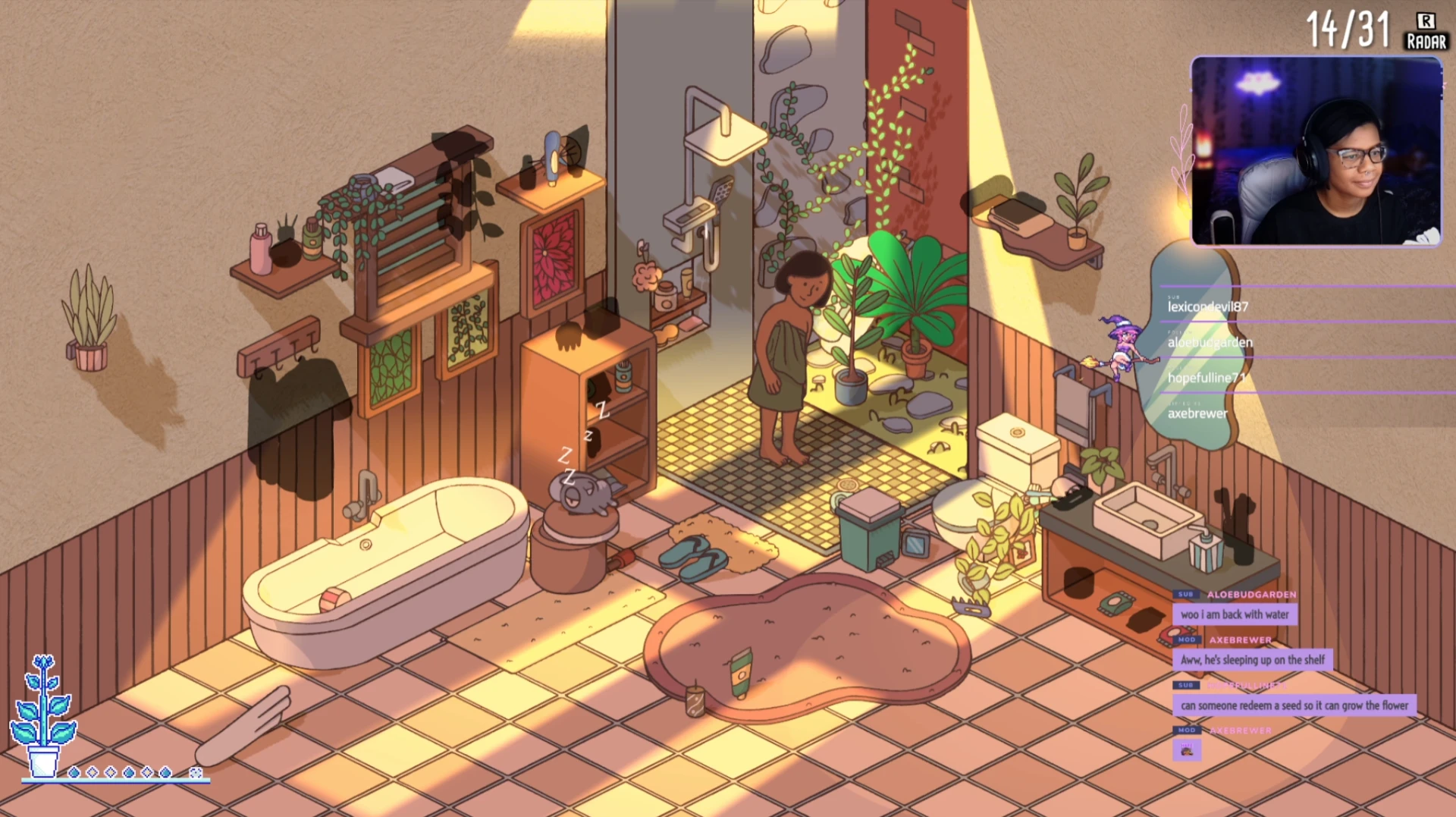
@Nysandra using Aloe Bud Garden
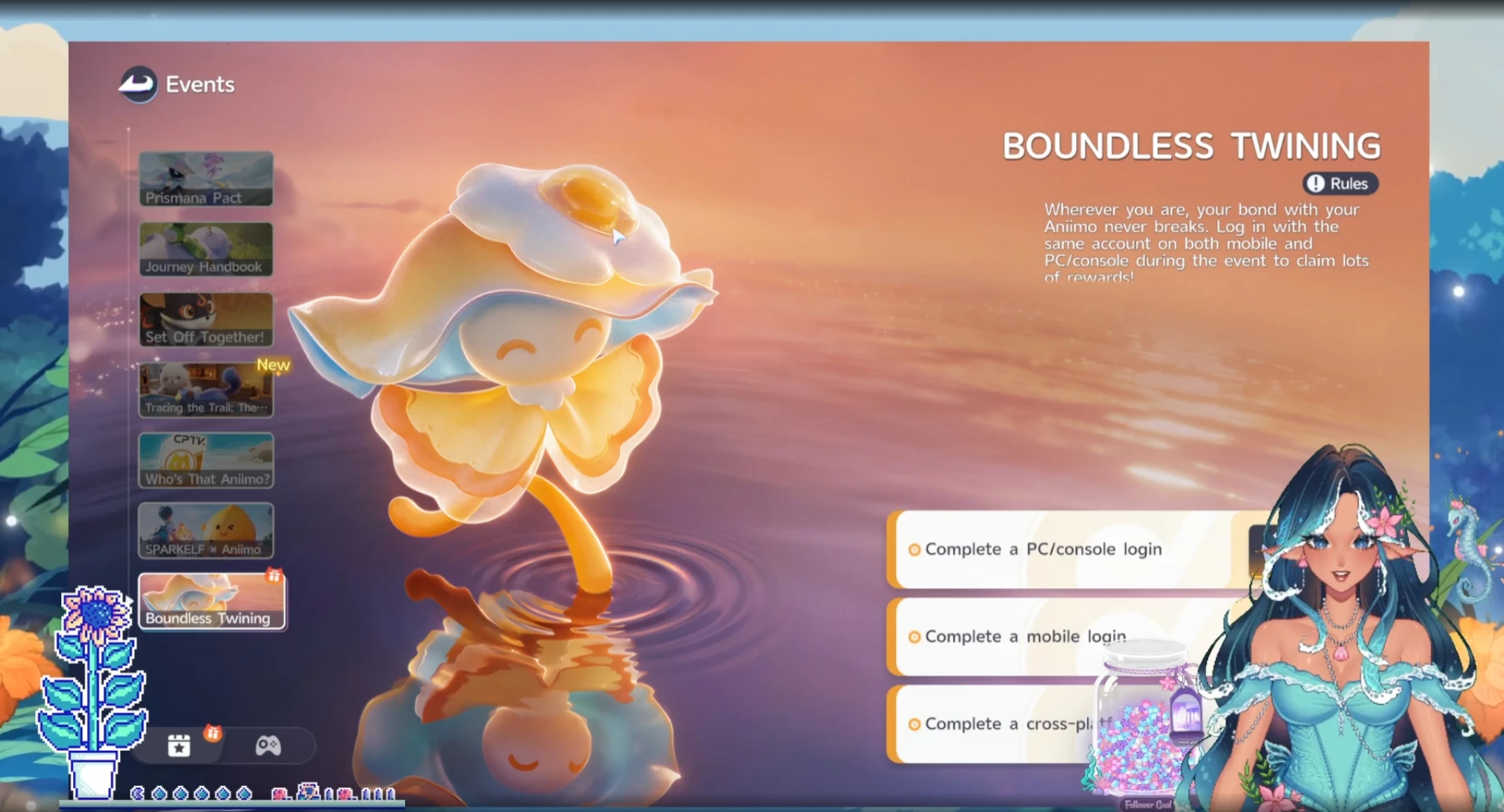
@LacesUntied using Aloe Bud Garden